Lined Paper
Printable lined paper in college ruled, wide ruled or any spacing you like, with an optional margin line.
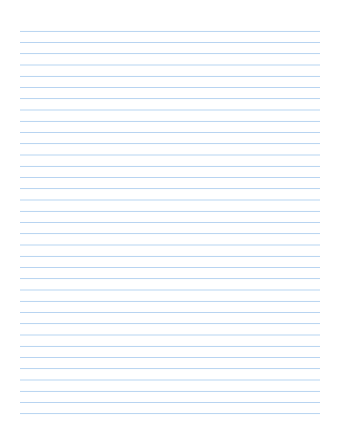
- Set it upChange the settings and watch the page redraw.
- Download or printSave a sharp vector PDF, or send it straight to your printer.
- Print at 100%Choose Actual size so every measurement comes out exact.
Ruled paper sizes
| Ruling | Space between lines | Used for |
|---|---|---|
| Wide ruled | 11/32 inch (8.7 mm) | Elementary school, large handwriting |
| College ruled | 9/32 inch (7.1 mm) | Middle school and up, most notebooks |
| Narrow ruled | 1/4 inch (6.4 mm) | Small handwriting, more lines per page |
College ruled is the default. A Letter page with half inch margins holds 35 college ruled lines, 28 wide ruled or 40 narrow ruled.
When to add a margin line
The red vertical line on notebook paper marks where writing starts and leaves room for a teacher's comments or for punched holes. Add it if the page is going into a binder. Leave it off for letters, lists and drafts where you want the full width.
What you can change
- Line spacing
- Margin line
- Columns
- Name and date line
- Paper size
- Orientation
- Margin
- Line color
- Line weight
The preview updates as you go. When it looks right, press Download PDF or Print.
Lined paper by ruling
Common questions
What is the difference between college ruled and wide ruled?
The gap between lines. College ruled lines are 9/32 inch apart and wide ruled are 11/32 inch apart, so a college ruled page holds about a quarter more lines.
Can I print lined paper on both sides?
Yes. Download the PDF and print it twice on the same sheet, or print two copies with double sided printing on. The lines land in the same place on both sides.
Which paper sizes can I print on?
Letter, Legal, Tabloid, half letter, A3, A4 and A5, in portrait or landscape. The page is redrawn for the size you pick, so nothing is stretched.
Is this free to use?
Yes. Print as many copies as you need for home, school or work. You can also hand out the printed pages. Please do not resell the files.
How do I save it as a PDF?
Press Download PDF. The file is made in your browser in about a second and saved to your downloads folder. It is a vector PDF, so lines stay sharp.
Last reviewed November 2026. Trouble with sizes or margins? See printing help.
More printables like this
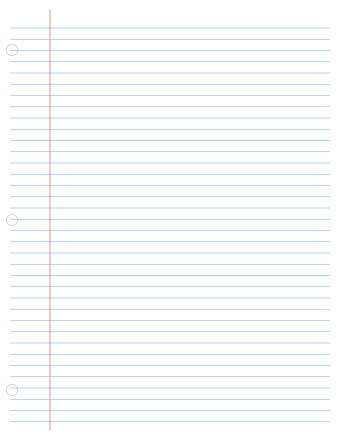 Notebook PaperBlue lines, red margin, punch marks.
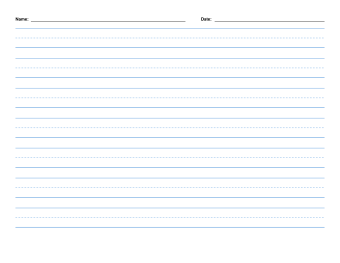 Handwriting PaperThree line rows with a dashed midline.
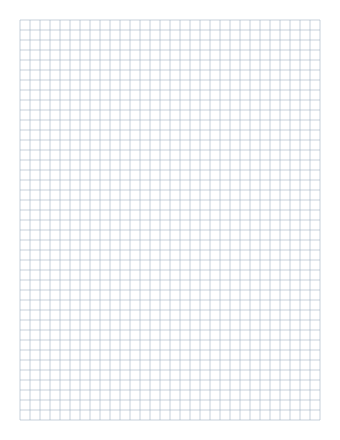 Printable Graph PaperAny square size, with or without bold lines.
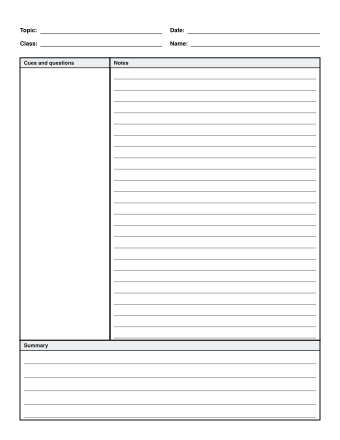 Cornell Notes TemplateCue column, notes area and summary box.
 Letter Writing PaperLined stationery with a border.
 Dot Grid PaperEvenly spaced dots for journals and sketches.