Notebook Paper
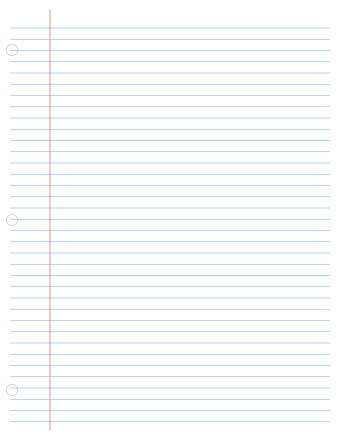
Printable notebook paper that looks like a loose leaf sheet: blue lines, a red margin line and marks for three ring holes.
- Set it upChange the settings and watch the page redraw.
- Download or printSave a sharp vector PDF, or send it straight to your printer.
- Print at 100%Choose Actual size so every measurement comes out exact.
Loose leaf paper when you run out
This page copies the layout of filler paper: lines that run nearly edge to edge, a wider blank band at the top for a heading, a red line about an inch and a quarter from the left edge, and three circles showing where to punch for a standard US binder.
The hole marks are 4.25 inches apart, centered on the page, which is the standard three ring spacing for Letter paper. Punch on the circles and the sheet drops straight into a binder.
What you can change
- Line spacing
- Margin line
- Show hole punch marks
- Paper size
- Orientation
- Line color
- Line weight
The preview updates as you go. When it looks right, press Download PDF or Print.
Common questions
Can I use the holes on A4 paper?
A4 binders usually have two or four rings with different spacing. Untick the hole marks for A4 and punch with your own punch.
Why is there a red line on notebook paper?
It sets the left edge for writing. The space to its left is kept clear for the binder rings and for notes or corrections.
Is this free to use?
Yes. Print as many copies as you need for home, school or work. You can also hand out the printed pages. Please do not resell the files.
How do I save it as a PDF?
Press Download PDF. The file is made in your browser in about a second and saved to your downloads folder. It is a vector PDF, so lines stay sharp.
Last reviewed November 2026. Trouble with sizes or margins? See printing help.
More printables like this
 Lined PaperCollege, wide or narrow ruled.
 College Ruled PaperFree printable college ruled paper as a PDF. Add a margin line or a name line if you need one.
 Wide Ruled PaperFree printable wide ruled paper as a PDF. Add a margin line or a name line if you need one.
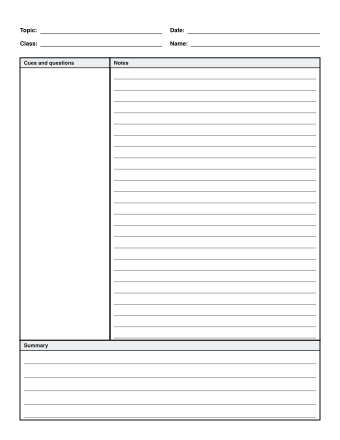 Cornell Notes TemplateCue column, notes area and summary box.
 Handwriting PaperThree line rows with a dashed midline.
 Calligraphy PaperGuide lines with a slant angle.