Cornell Notes Template
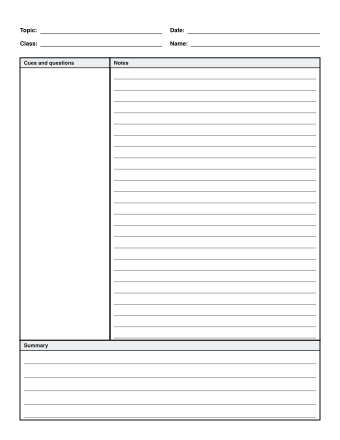
A printable Cornell notes page with a cue column on the left, a wide notes area and a summary box at the bottom.
- Set it upChange the settings and watch the page redraw.
- Download or printSave a sharp vector PDF, or send it straight to your printer.
- Print at 100%Choose Actual size so every measurement comes out exact.
How to take Cornell notes
- During class, write notes in the large right hand area. Use short phrases, not full sentences.
- Soon afterward, read them through and write a keyword or question in the left column beside each main idea.
- In the box at the bottom, sum up the whole page in two or three sentences.
- To study, cover the notes, read each cue and say the answer out loud.
The system was developed in the 1950s by Walter Pauk, an education professor at Cornell University. The left column on this page takes 30 percent of the width, close to the 2.5 inches of the original layout.
What you can change
- Title
- Blanks at the top
- Paper size
- Orientation
- Margin
The preview updates as you go. When it looks right, press Download PDF or Print.
Common questions
How wide should the cue column be?
About 2.5 inches on Letter paper, which is roughly a third of the writing width. That is the proportion used here.
Can I print it without the lines?
The notes area is lined to keep writing straight. If you prefer open space for diagrams, print the page and draw in the notes area, or use dot grid paper with a hand drawn margin.
Can I type on it before printing?
You can change the title, headings and layout in the boxes beside the preview. The rest is meant to be filled in by hand after printing.
Which paper sizes can I print on?
Letter, Legal, Tabloid, half letter, A3, A4 and A5, in portrait or landscape. The page is redrawn for the size you pick, so nothing is stretched.
Last reviewed November 2026. Trouble with sizes or margins? See printing help.
More printables like this
 Lined PaperCollege, wide or narrow ruled.
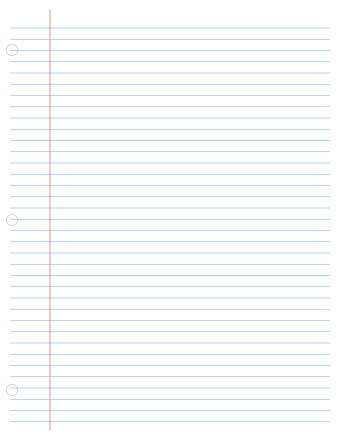 Notebook PaperBlue lines, red margin, punch marks.
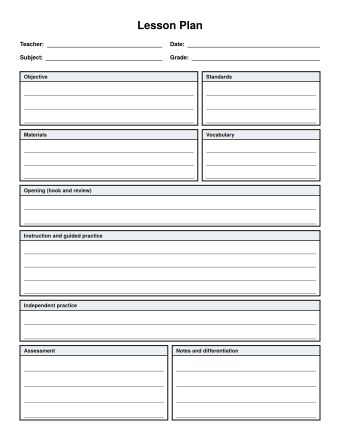 Lesson Plan TemplateObjective, materials, steps and assessment.
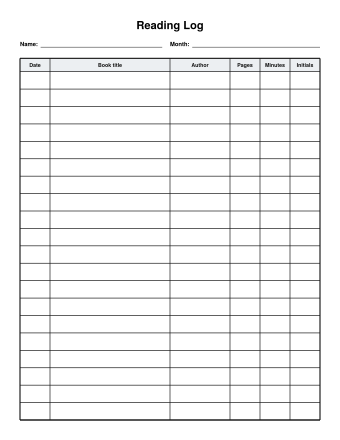 Reading LogDate, title, pages and minutes.
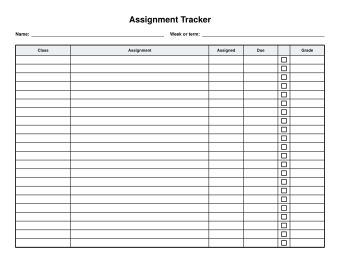 Assignment TrackerSubject, assignment, due date and done.
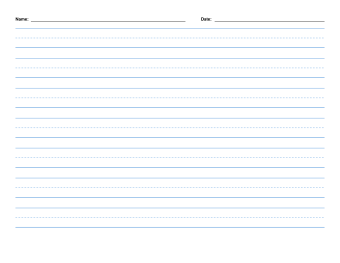 Handwriting PaperThree line rows with a dashed midline.