Assignment Tracker
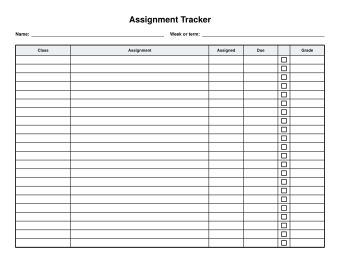
A printable assignment tracker with columns for the class, the assignment, its due date and a tick when it is done.
- Set it upChange the settings and watch the page redraw.
- Download or printSave a sharp vector PDF, or send it straight to your printer.
- Print at 100%Choose Actual size so every measurement comes out exact.
Everything due, in one list
Write every assignment down the moment it is given: the class, what it is, and when it is due. A single list across all classes shows what is coming and makes it obvious when three things are due on the same Friday. Tick the box when the work is handed in, not when it is finished.
At the start of each study session, scan the Due column and start with the nearest date. The Grade column lets the same sheet double as a record of marks.
What you can change
- Title
- Blanks at the top
- Columns
- Rows
- Note lines at the bottom
- Paper size
- Orientation
- Margin
The preview updates as you go. When it looks right, press Download PDF or Print.
Common questions
Should I use one page per class or one for everything?
One list for everything works best for most students, because it shows clashes between classes.
Can I sort by due date?
On paper, no. Leave a blank line or two between weeks, or start a new page each week.
Can I type on it before printing?
You can change the title, headings and layout in the boxes beside the preview. The rest is meant to be filled in by hand after printing.
Which paper sizes can I print on?
Letter, Legal, Tabloid, half letter, A3, A4 and A5, in portrait or landscape. The page is redrawn for the size you pick, so nothing is stretched.
Last reviewed November 2026. Trouble with sizes or margins? See printing help.
More printables like this
 Reading LogDate, title, pages and minutes.
 Weekly PlannerSeven day boxes plus notes.
 To Do List TemplateTick boxes, tasks and a priority column.
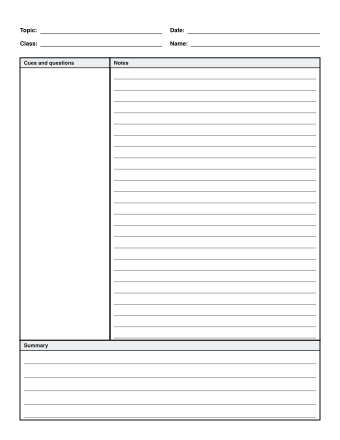 Cornell Notes TemplateCue column, notes area and summary box.
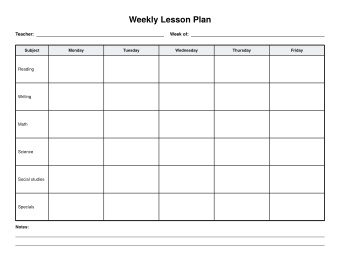 Weekly Lesson Plan TemplateSubjects down the side, weekdays across.
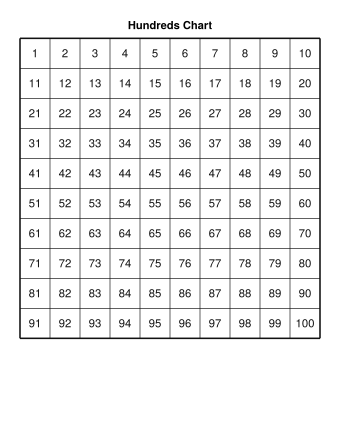 Hundreds ChartNumbers 1 to 100, filled or blank.