Bill Tracker
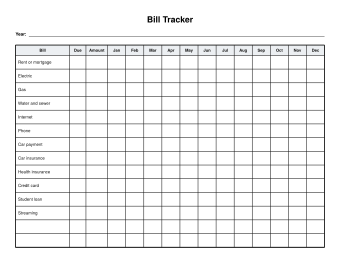
A printable bill tracker. List your bills with the due day and amount, then tick each month as you pay.
- Set it upChange the settings and watch the page redraw.
- Download or printSave a sharp vector PDF, or send it straight to your printer.
- Print at 100%Choose Actual size so every measurement comes out exact.
A year of bills on one page
Write each bill once, with the day of the month it is due and the usual amount. Then tick the box for the month when it is paid. One look across a row shows whether anything was missed, and one look down a column shows what is still unpaid this month.
List the bills in order of due date so the page reads top to bottom through the month. For bills on autopay, write A in the box. It is still worth a glance each month to catch a failed payment or a price increase.
What you can change
- Title
- Blanks at the top
- Columns
- Bills
- Paper size
- Orientation
- Margin
The preview updates as you go. When it looks right, press Download PDF or Print.
Common questions
Should I write the amount paid in each box?
If your bills vary, yes. Write the amount instead of a tick and the row becomes a record of what a year of electricity cost.
How do I track bills that are not monthly?
List them as usual and cross out the months that do not apply. Car insurance paid twice a year gets two open boxes.
Can I type on it before printing?
You can change the title, headings and layout in the boxes beside the preview. The rest is meant to be filled in by hand after printing.
Is this free to use?
Yes. Print as many copies as you need for home, school or work. You can also hand out the printed pages. Please do not resell the files.
How do I save it as a PDF?
Press Download PDF. The file is made in your browser in about a second and saved to your downloads folder. It is a vector PDF, so lines stay sharp.
Last reviewed November 2026. Trouble with sizes or margins? See printing help.
More printables like this
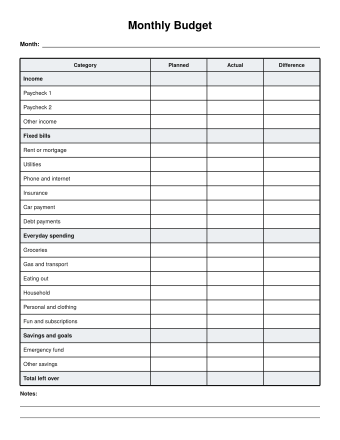 Monthly Budget TemplatePlanned and actual, income and expenses.
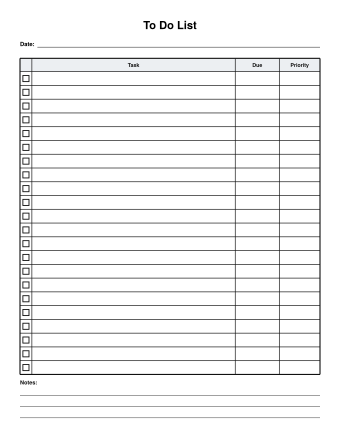 To Do List TemplateTick boxes, tasks and a priority column.
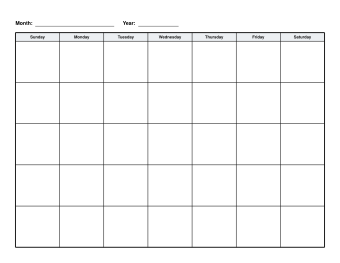 Blank CalendarA blank month grid, or any month filled in.
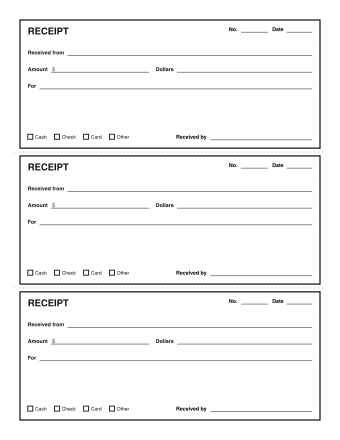 Receipt TemplateThree blank receipts per page.
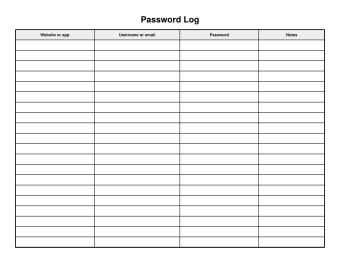 Password LogSite, username, password and notes.
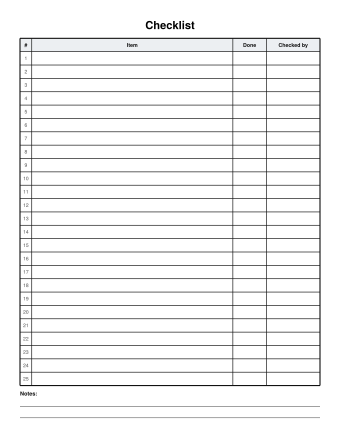 Checklist TemplateA blank checklist with two tick columns.