Checklist Template
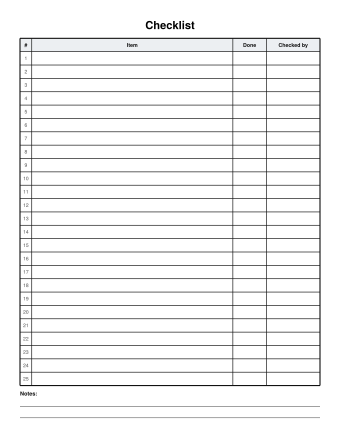
A blank printable checklist. Give it a title, set the number of items and choose your own column headings.
- Set it upChange the settings and watch the page redraw.
- Download or printSave a sharp vector PDF, or send it straight to your printer.
- Print at 100%Choose Actual size so every measurement comes out exact.
One page, any routine
A checklist is for jobs you already know how to do but cannot afford to get wrong: opening a shop, packing for a trip, closing out the month, a preflight walk around. Number the steps in the order they happen and tick each one as you go.
This sheet has numbered rows, a tick column and a column for initials, which is useful when two people share a task or a supervisor signs off. Remove any column you do not need in the Columns box.
What you can change
- Title
- Blanks at the top
- Columns
- Rows
- Note lines at the bottom
- Paper size
- Orientation
- Margin
The preview updates as you go. When it looks right, press Download PDF or Print.
Common questions
How many items fit on a page?
The default is 25. You can set up to 60 rows, though rows get tight above 35 on Letter paper.
Can I type the items before printing?
This page prints blank rows to fill in by hand. For a list with the items typed in, use the cleaning checklist or packing list page, which have an editable item list, and change the title.
Can I type on it before printing?
You can change the title, headings and layout in the boxes beside the preview. The rest is meant to be filled in by hand after printing.
How do I save it as a PDF?
Press Download PDF. The file is made in your browser in about a second and saved to your downloads folder. It is a vector PDF, so lines stay sharp.
Last reviewed November 2026. Trouble with sizes or margins? See printing help.
More printables like this
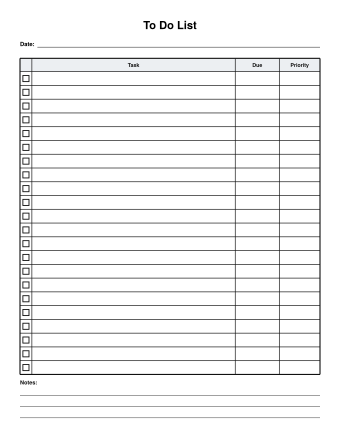 To Do List TemplateTick boxes, tasks and a priority column.
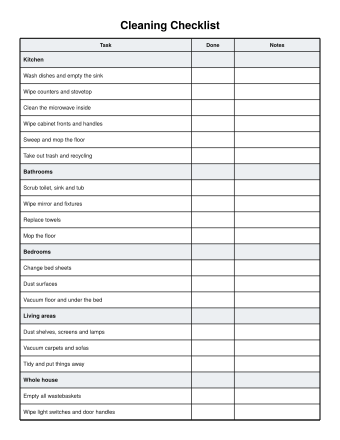 Cleaning ChecklistRoom by room tasks you can edit.
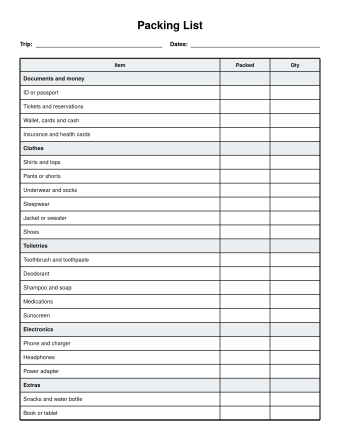 Packing List TemplateA travel packing list you can edit.
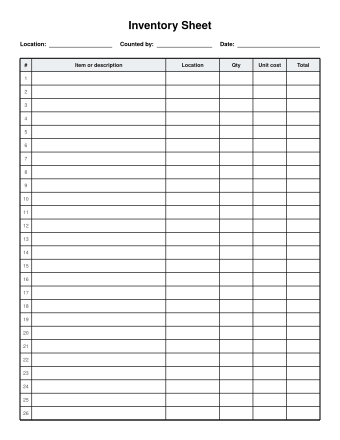 Inventory SheetItem, location, quantity and value.
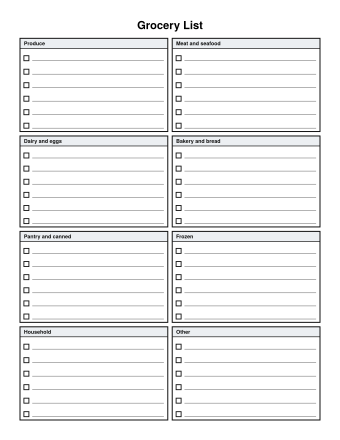 Grocery List TemplateSorted by store section, with tick boxes.
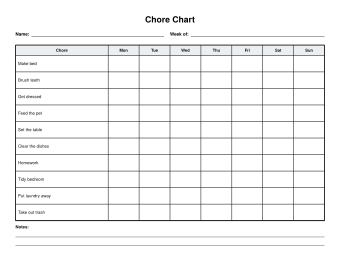 Chore ChartChores down the side, days across the top.