Four Quadrant Graph Paper
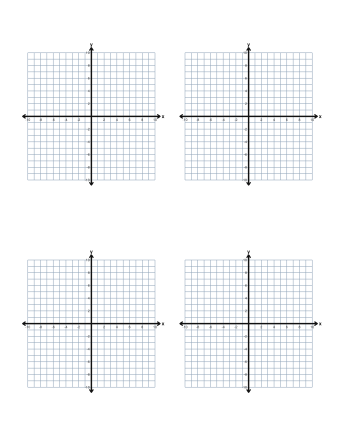
Four numbered four quadrant grids on one page, ready for homework.
- Set it upChange the settings and watch the page redraw.
- Download or printSave a sharp vector PDF, or send it straight to your printer.
- Print at 100%Choose Actual size so every measurement comes out exact.
Four graphs to a page
Each grid runs from negative 10 to 10 on both axes with every second line numbered. Four per page is the layout most algebra worksheets use: enough room to draw a line and read its slope, and four problems on one sheet.
What you can change
- Grids per page
- Axis runs to
- Quadrants
- Number the axes
- Paper size
- Orientation
- Margin
- Line color
- Line weight
The preview updates as you go. When it looks right, press Download PDF or Print.
Similar pages
Common questions
Can I fit six on a page?
Yes, change Grids per page to 6. The grids get smaller, so numbering switches to every fifth line.
How do I save it as a PDF?
Press Download PDF. The file is made in your browser in about a second and saved to your downloads folder. It is a vector PDF, so lines stay sharp.
Why do the squares measure wrong after printing?
The printer scaled the page. In the print window choose 100% or Actual size, and turn off Fit to page. The PDF itself is exact.
Last reviewed November 2026. Trouble with sizes or margins? See printing help.
More printables like this
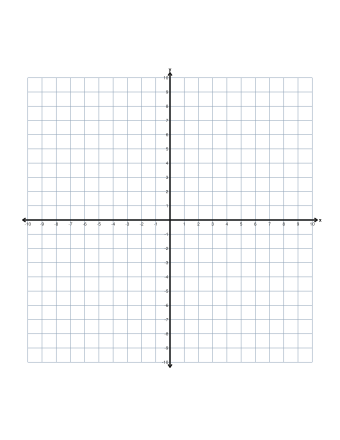 Coordinate PlaneNumbered x and y axes, 1 to 6 per page.
 Printable Graph PaperAny square size, with or without bold lines.
 Graph Paper With AxesFree printable graph paper with axes as a PDF, on Letter, A4 or any other size.
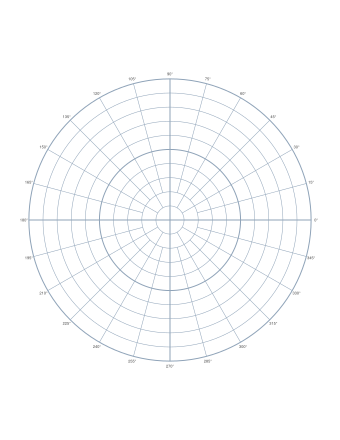 Polar Graph PaperCircles and spokes for polar plots.
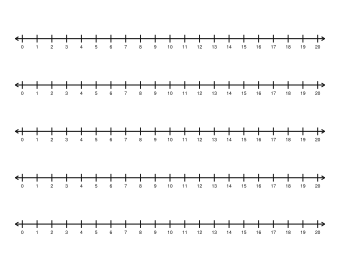 Number LineAny range, numbered or blank.
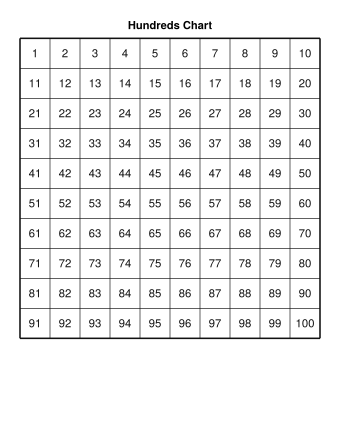 Hundreds ChartNumbers 1 to 100, filled or blank.