Engineering Paper
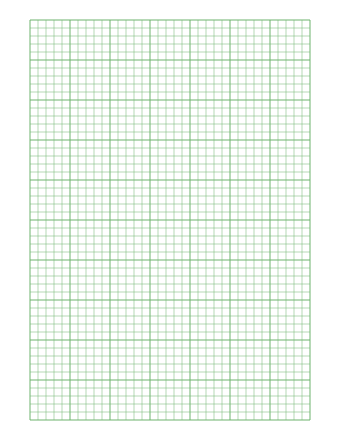
Printable engineering paper: a green grid of five squares to the inch with a heavier line every inch.
- Set it upChange the settings and watch the page redraw.
- Download or printSave a sharp vector PDF, or send it straight to your printer.
- Print at 100%Choose Actual size so every measurement comes out exact.
What makes it engineering paper
Engineering pads are ruled 5 by 5: five squares to the inch, with every fifth line heavier so that inches are easy to count. The grid is traditionally printed in green on pale paper. On a real pad the grid is on the back and shows through, which leaves the front clean for scanning. A light green printed grid gives nearly the same result on a photocopy.
Engineering students use it for homework problems, free body diagrams and circuit sketches because tenths of an inch are easy to estimate on a fifth inch grid.
What you can change
- Square size
- Heavier lines
- Paper size
- Orientation
- Margin
- Line color
- Line weight
The preview updates as you go. When it looks right, press Download PDF or Print.
Common questions
Is engineering paper the same as graph paper?
It is one kind of graph paper. School graph paper usually has four squares per inch in blue. Engineering paper has five per inch in green with bold inch lines.
Can I make the lines lighter?
Yes. Set Line weight to Fine, or change the color to Light gray if you want the grid to disappear on a scan.
Why do the squares measure wrong after printing?
The printer scaled the page. In the print window choose 100% or Actual size, and turn off Fit to page. The PDF itself is exact.
How do I save it as a PDF?
Press Download PDF. The file is made in your browser in about a second and saved to your downloads folder. It is a vector PDF, so lines stay sharp.
Last reviewed November 2026. Trouble with sizes or margins? See printing help.
More printables like this
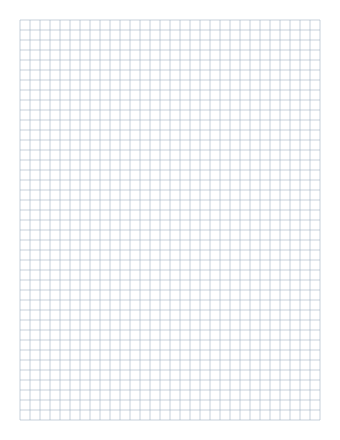 Printable Graph PaperAny square size, with or without bold lines.
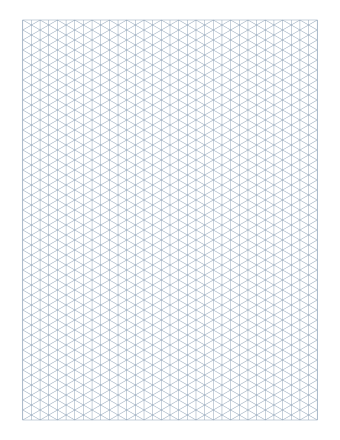 Isometric Graph PaperA triangle grid for 3D drawings.
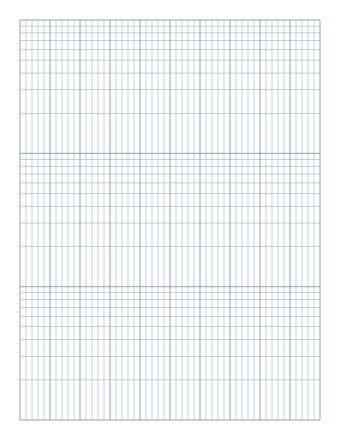 Log Graph PaperSemi log and log log grids.
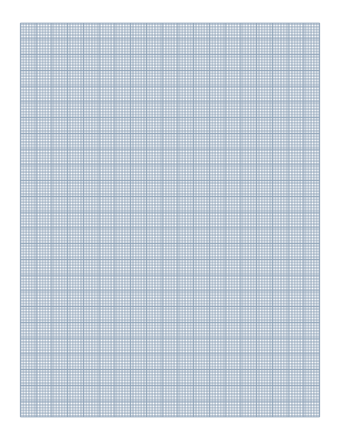 Millimeter Graph PaperFree printable millimeter graph paper as a PDF, on Letter, A4 or any other size.
 Dot Grid PaperEvenly spaced dots for journals and sketches.
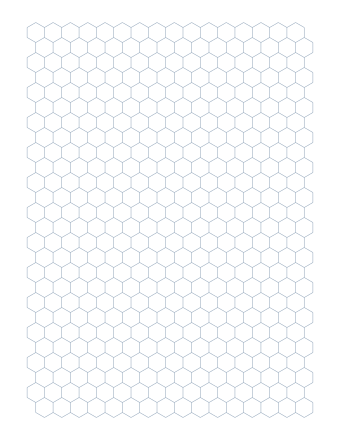 Hexagon Graph PaperA honeycomb grid for maps and chemistry.